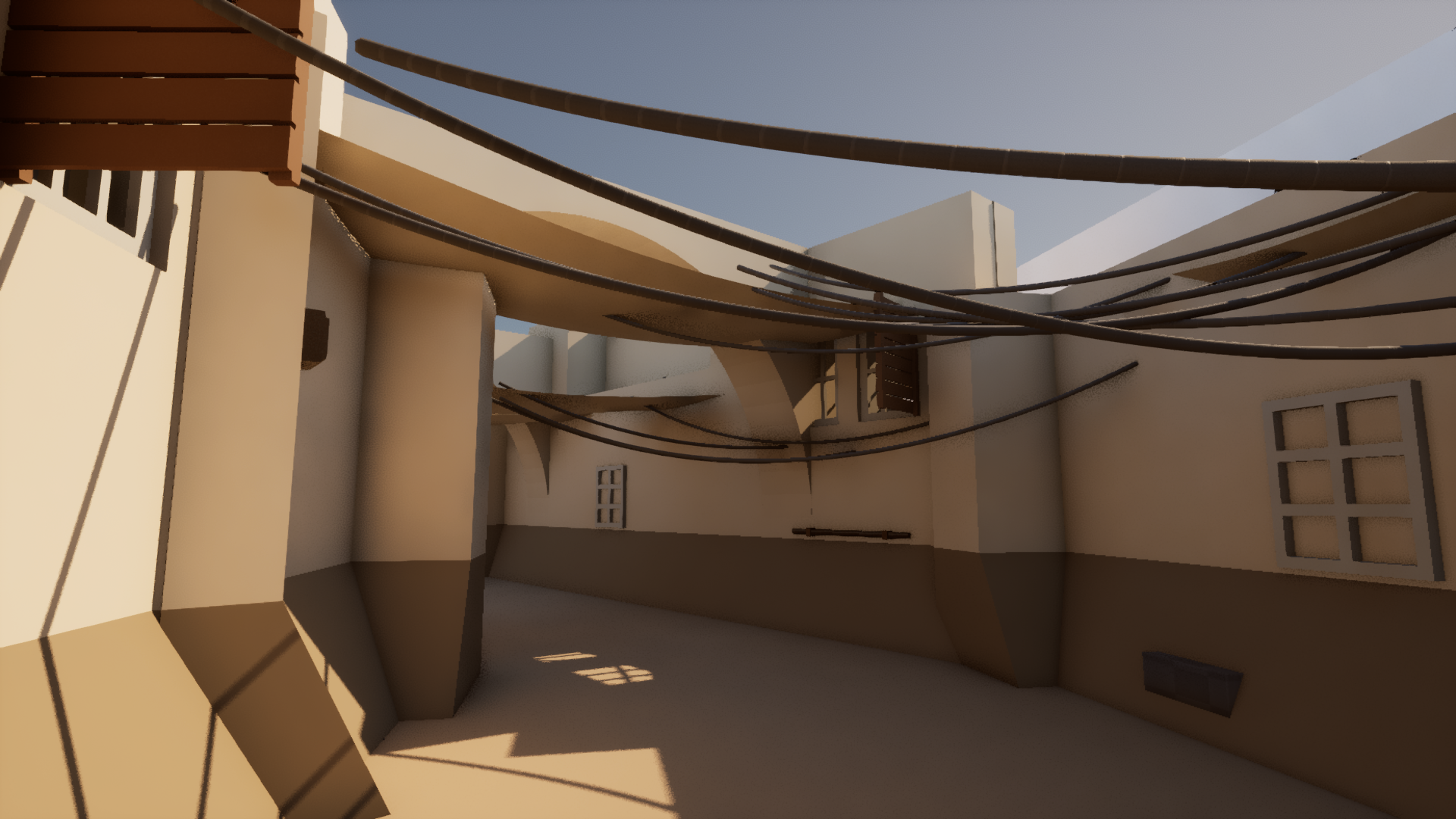
Starting from my blockout
I began with my own blockout for a small market street. I set the visual direction and the rules for the assets, then worked with an AI agent across Blender, Houdini and Unreal.
Blender held the modular pieces. Houdini handled their placement and variation. Unreal was where I checked the assembled street, the lighting and what had actually imported.
I also specified practical things like units, pivots, naming, geometry and material limits. These were part of getting the pieces to work together.
Problems in the imported scene
Some checks passed even when the result was visibly wrong. Texel-density measurements could look right while the UVs were wrong, and a winding check missed flipped UVs. Rules that worked for rigid objects also caused problems when applied to cloth.
The transfer into Unreal brought its own issues. One crate arrived at 2 × 2 × 2 cm instead of 80 × 60 × 50 cm. The import was corrected and measured again in Unreal.
There were Unreal-side workarounds for the cables and stalls, too. Getting something into the level didn’t mean it would update when the Houdini setup changed.
Making the street longer
I tested a change from 16 m to 24 m. After repairs, the native Houdini systems rebuilt the façades, anchors, cables, clutter placements and stalls.
The full Unreal scene didn’t follow. Cables and clutter weren’t connected as live Houdini assets, the baked cloth didn’t rebuild from the new anchors, and the hanging-variant system was missing. Parts of the old assembly stayed in the level.
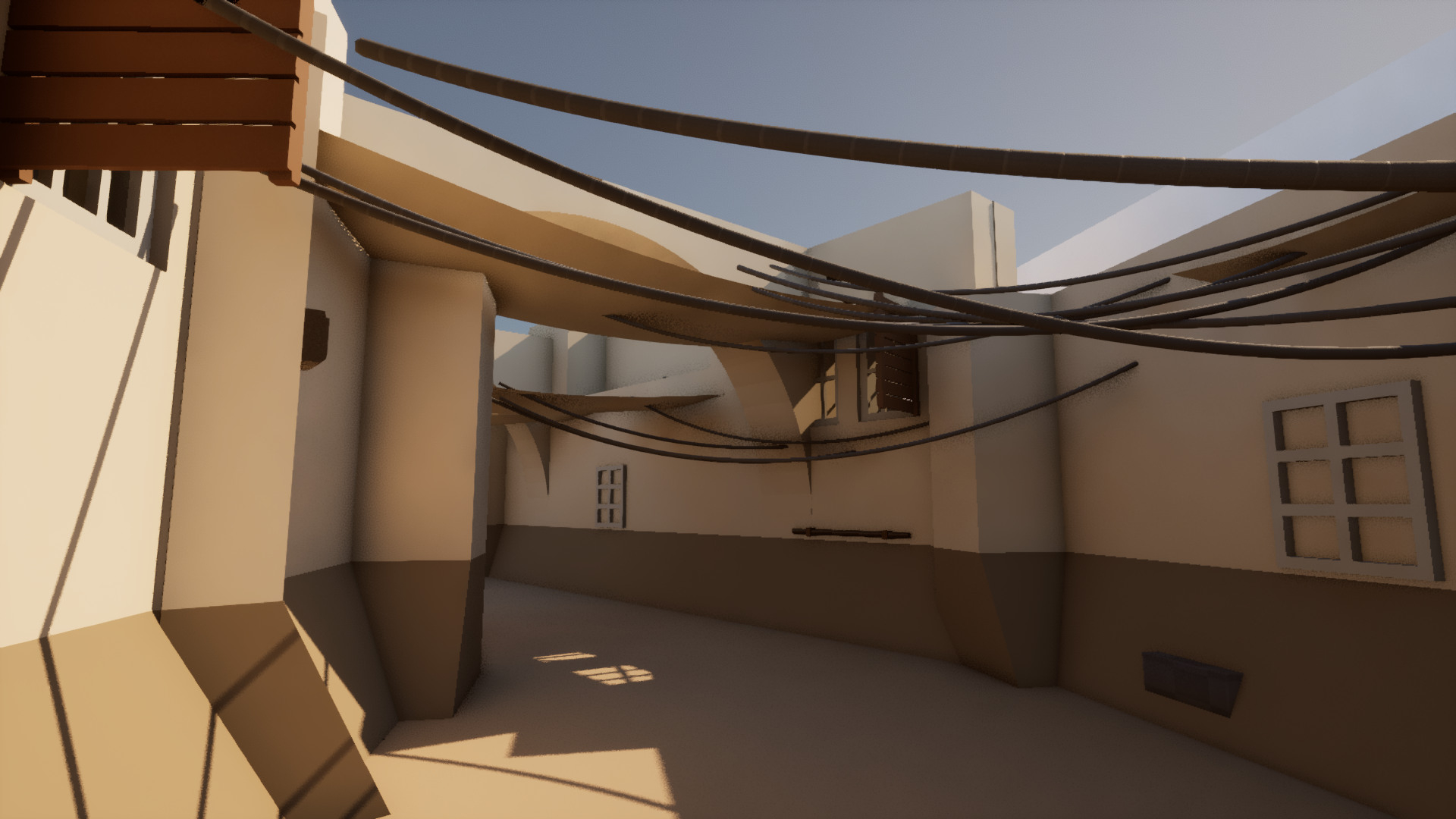
The same camera after the 24 m test. The images look similar because parts of the Unreal scene had not updated.
The pipeline remains partial, and the street is still a blockout. The next technical step is to reconnect those parts and repeat the length change in Unreal.
Related: Organic architecture is a smaller Houdini asset with controls for one form.